Pet Communication Buttons: How to Teach Your Cat to Talk
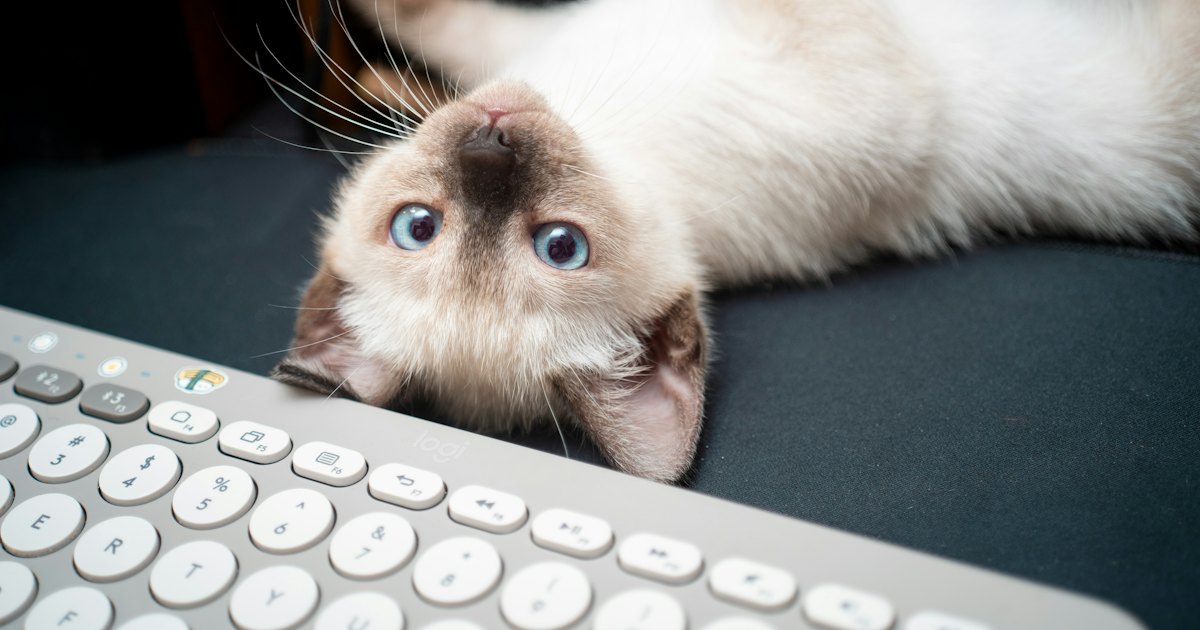
Pet communication buttons are recordable sound buttons that speak a word — like 'food,' 'play,' or 'outside' — when your pet presses them. Cats and dogs learn to press them to make simple requests. They will not hold a conversation, but many pets do link a button to a clear result.
On this page
The idea spread online after a speech-language pathologist taught her dog to press recorded-word buttons. Today, kits like FluentPet HexTile sets are built for pets, and cheaper recordable buzzers from Learning Resources work too. Cats can learn them, though they tend to press fewer buttons than dogs.
Cat Translator
What if you answered
in her own language?
Cat Translator gives you a playful answer in seconds — on the iPhone you already have.
PetTalk — Pet Translator
4.51,246+ ratingsFree


What are pet communication buttons?
Pet communication buttons are big, colorful buttons that record a short clip of your voice. Press one, and it plays that word back. Line up several buttons and your cat can 'say' more than one thing. Most owners start with 1 button and grow slowly from there.
A basic starter setup needs only three things:
- A recordable button — the kind you press once to record, once to play.
- One word your cat cares about — 'food' and 'play' beat abstract words.
- A fixed spot — cats navigate by memory, so the button stays in one place.
Two paths cover most budgets. Recordable buzzers cost around $12 for a 4-pack and are fine for testing one word. FluentPet HexTile kits start near $40 and add foam tiles that lock each button into a grid, which helps your cat remember where each word lives.
| Option | Rough price | Best for |
|---|---|---|
| DIY recordable buzzers | Around $12 for 4 | Testing one or two words |
| FluentPet starter set | About $40 | A fixed grid your cat can memorize |
| Full HexTile board | $100 or more | Owners expanding past 6 words |
Do pet communication buttons actually work for cats?
They work as association tools, not real conversation. Your cat can learn that pressing 'food' tends to bring food. That is genuine learning. It is not proof your cat builds sentences the way people do.
Researchers are still testing how far this goes. Skeptics point out that pets read your timing and body language, so a press can be a lucky guess or a trained cue. Cats also press fewer buttons than dogs, partly because they are harder to motivate on demand. Set your hopes at 1 to 3 useful words, not paragraphs.
Buttons are only one channel. Your cat already signals a lot through posture, tail, and sound — see how to understand cat language for the cues that need no hardware.
The 30-second test: is your cat a good candidate?
Before you spend $40, run a quick check. Answer these three questions honestly.
- Does your cat keep a strong daily routine — meals, play, litter — you can attach a word to?
- Will your cat touch a new object with a paw, or does it avoid strange items?
- Can you model the same word 2 or 3 times a day for a few weeks?
Three yeses mean your cat is a solid candidate. A shy or food-indifferent cat can still learn, but expect a slower start and a smaller vocabulary.
Step 1: Pick one word your cat already cares about
Start with a single button and a word tied to something your cat loves. 'Food,' 'play,' and 'treat' work best because the payoff is obvious. Record the word in a calm, clear voice. Keep the button in one fixed spot near where that activity happens.
Skip abstract words like 'love' or 'later' at this stage. Your cat cannot connect them to a result, so the button just becomes background noise.
Cat Translator
Still reading about the signs?
Open Cat Translator and try a recording next time your cat talks. Free on iPhone, iOS 16 or newer.
PetTalk — Pet Translator
4.51,246+ ratingsFree
Step 2: Model the button every single time
Press the button yourself right before the action, every time. Say 'food,' press it, then feed. Trainers call this modeling, and it is the slowest but most important part. Do it 2 or 3 times a day for 3 to 4 weeks before you expect a paw press.
Consistency beats speed. If three people in the house use different words for the same button, your cat gets confused and progress stalls.
Step 3: Add buttons slowly and keep them fixed
Add a second button only after your cat presses the first on purpose. Keep each button in the same location. Cats navigate by spatial memory, so a moved button often reads as a brand-new, meaningless one. A FluentPet HexTile grid helps because the foam locks positions.
Stop at whatever number your cat handles well. Many cats plateau at 2 to 4 buttons, and that is a real win — not a failure.
Step 4: Reward the press and grow the vocabulary
When your cat presses a button, respond fast. Deliver the 'food' it asked for within a few seconds so the link stays clear. Reward accidental presses early on too, because you are shaping a habit, not grading grammar.
Once one word is solid, repeat the whole process for the next. Track which words stick. Over a few months, a patient owner can reach a small, reliable set of buttons.
Understand the sounds your cat already makes
Buttons give your cat a few human words. Meows, purrs, chirps, and yowls give you dozens of signals every day, and those come free. Reading them turns everyday noise into something you can act on.
Cat Translator (listed on the App Store as PetTalk — Pet Translator) is a free iPhone app that offers a playful read on those sounds. It runs on the device, needs iOS 16 or newer, and the App Store rating is worth checking yourself before you install it. A $9.99-a-year plan unlocks full access, but you can start for free.
To try it: create a profile with your cat's breed and age, hold the phone up when your cat vocalizes, tap record, let the sound finish, then read the result. It is made for fun and curiosity, not veterinary diagnosis.
Cat Translator
Still reading about the signs?
Open Cat Translator and try a recording next time your cat talks. Free on iPhone, iOS 16 or newer.
PetTalk — Pet Translator
4.51,246+ ratingsFree
Frequently Asked Questions
How long does it take to teach a cat to use a button?
Most cats need 3 to 4 weeks of daily modeling before their first purposeful press. Some take longer. The trick is pressing the button yourself 2 or 3 times a day, right before the matching action, so the word and the result stay linked. Do not expect overnight results.
How many words can a cat learn with communication buttons?
Most cats reach a small vocabulary of about 2 to 4 buttons. A few learn more, but cats press fewer buttons than dogs. Aim for a handful of high-value words like 'food,' 'play,' and 'outside' rather than a large board your cat rarely touches.
Do pet communication buttons really work, or is it a trick?
They work as association tools, not true language. Cats genuinely learn that a button brings a result. Critics note that pets also read timing and body language, so not every press is a clear 'word.' Treat buttons as a fun way to give your cat simple choices, not proof of conversation.
What is the best word to start with?
Start with 'food,' 'treat,' or 'play' — any word tied to something your cat loves. The payoff has to be immediate and obvious so your cat connects the press to the result. Avoid abstract words like 'later' or 'love' until one concrete word is solid.
Are FluentPet buttons better than cheap recordable ones?
For a first word, cheap recordable buzzers work fine and cost around $12 for a 4-pack. FluentPet HexTile sets, near $40 to start, add foam tiles that keep each button in a fixed spot. That fixed layout suits cats, who rely on spatial memory, so it helps owners planning more than 2 or 3 words.
Can kittens learn communication buttons?
Kittens can start, but keep it simple. A young kitten has a short attention span, so one button and one word is plenty. Wait until your kitten reliably eats and plays on a routine you can attach a word to. For sound-based bonding, kitten sounds to attract a cat covers what actually gets their attention.